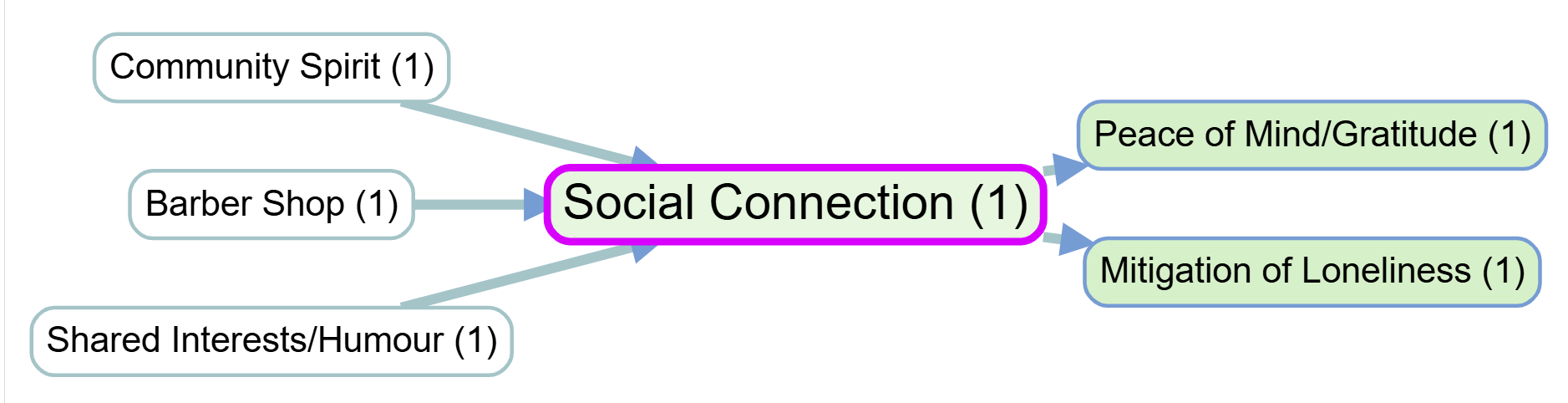
🌻 What are the narratives behind a specific link?

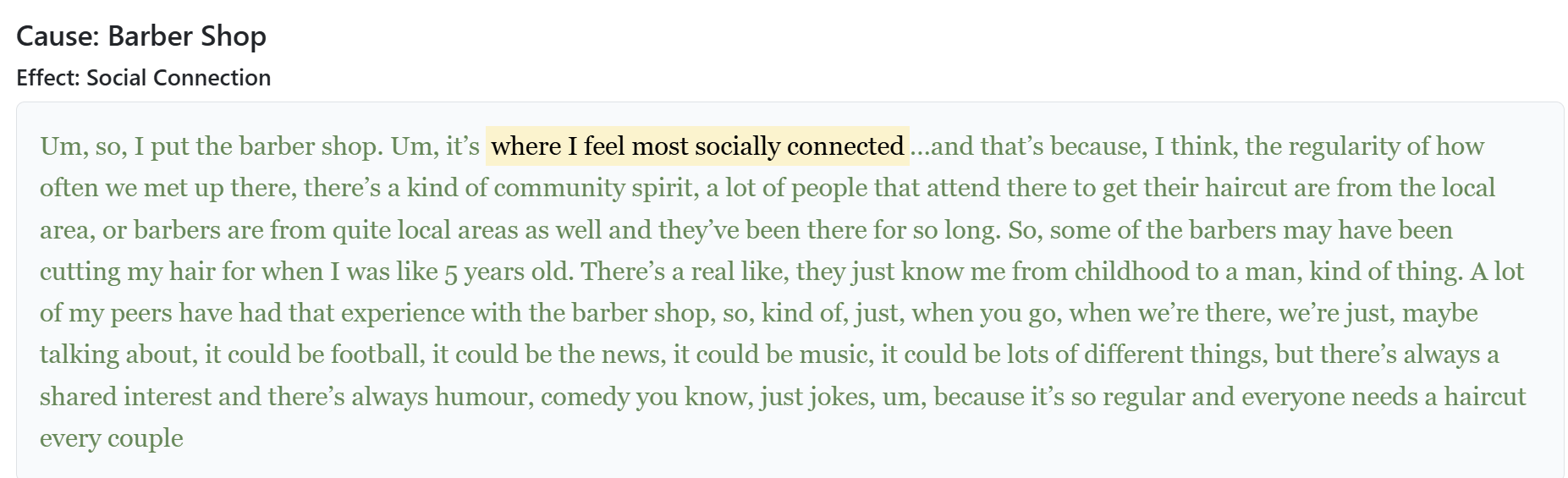
Pasted image 20251022203415 It is important to frequently return to the original quotes associated with each factor or link to understand how different stakeholders interpret and talk about key concepts. This can be done in Causal Map by clicking on a link in the interactive map, or by printing out quotes for a particular filter (e.g. just for a single bundle of links) with additional context and metadata.
Pasted image 20251027210402

Relevant page from Causal Map help:
Print View

Print View

The purpose Print View is to make it easy to explore and read actual quotes from the currently filtered links. What it does is show, instead of the contents of the Tabulator table, a printed version of the same information, leaving the table headers and filters in place. The toggle switches between table contents view and print view.

This view prints out the quotes from each row in the table, grouped by the Group By columns formatted as nested headings, and we suppress repeated headings until they change.

We also reveal two more toggles:

  • Show Details: Print the values of all the extra columns such as tags and any Custom Columns
  • Context: for each quote we add an additional three sentences at each side, highlighting the actual quotes.

You can manually sort the texts using to the sorting widgets in the tabulator headers, as far as allowed by the nested headers.